
Event promotion that leads somewhere useful
How to promote an event in Cyprus
Give every post and shared link one reliable destination.
Event promotion becomes difficult when the date lives on Instagram, the address sits in a chat and the ticket link has no current line-up. Start with one complete event page, then use social posts, artist profiles, venue pages and your own link page to bring people back to the same verified details.
The short answer
What is the best way to promote an event in Cyprus?
Finish the event page, define the audience and city, agree on permitted channels with the team, test the current ticket route on a phone and then evaluate the available visits and booking actions. Keep each shared link connected to the same current facts and respect the visitor's analytics choice.
Prepare the page and define the audience
Confirm date, actual venue, line-up, seller, support contact and the available ticket offer before promotion. Decide who the event is for and which city, language and music or programme they need to understand. Use that audience decision to write a concrete invitation rather than promising the same experience to everybody. The published event page should resolve the practical questions that remain after someone reads a post.
Agree channels and responsibilities before sharing
Agree with the event team, participating artists and venue which public profiles and channels may be used, who approves the message and who keeps it current. Share the same event destination through those approved channels. A line-up invitation or permission to connect a profile does not give you permission to edit someone else's profile or contact their audience. Keep the event date, offer and seller consistent across the messages you actually publish.
Test the current ticket route on a phone
Open the public event page from the exact link you plan to share and follow the available booking route on a phone. Check that the date, ticket type, total shown price and seller agree with the invitation. For an external listing, verify the named provider link; for an Entriza offer, check the available ticket path. Recheck sold-out, paused or changed offers before posting another promotion. A link should lead to the offer currently available, not an outdated screenshot.
Evaluate the available results after publication
Use distinguishable campaign links where supported and compare the available aggregate visits, booking actions and actual sales. A checkout start is not a paid ticket, and reach alone is not a booking result. Record what was measured, over which period and what remains unknown. Use those results to decide which channels and offer to test for the next event. Optional analytics and advertising must follow the configured consent choice. A visitor who declines them should still be able to read the event and use the ticket route.

Event promotion that leads somewhere useful
Promotion works better when every channel points to the same facts
Social posts are useful for attention, but they are poor places to maintain changing details. A complete event page gives artists, venues, promoters and guests one current source for the date, location, line-up, ticket offer and organizer responsibility.
Measurement should answer a practical question: which shared path led to a useful visit or booking? Campaign links and first-party events can do that without making the ticket flow depend on advertising pixels or turning a rejected consent choice into a broken checkout.
In this guide
Decisions for this guide
Check these points against the current information before committing.
| Control | What to confirm | Risk avoided |
|---|---|---|
| Page readiness | Complete date, venue, line-up, seller and offer before sharing. | Promotion cannot resolve missing booking facts. |
| Shared destination | Give artists and venues one current event destination. | Different copies of the details can drift apart. |
| Channel links | Use a separate identifiable campaign link for each channel. | You need to distinguish traffic sources before comparing them. |
| Useful actions | Compare visits and useful booking actions without bypassing consent. | Reach alone does not show whether the campaign helped. |
In this guide
Examples to work through
These are planning situations, not reports of events we attended.
Example 1
Before paying for promotion, open the event page on a phone and check the whole ticket path. Correct missing facts before increasing reach.
Example 2
When artists and the venue share the campaign, give them the same current event destination with distinguishable links. Check that the promised ticket offer matches the page.
Example 3
If the date or line-up changes during promotion, update the event destination and inform the campaign partners. Review old posts that still promise the previous details.
E-E-A-T
How this operational guide was prepared
The guidance follows the product's implemented path from organizer verification and event setup to ticket inventory, connected payments, ticket issue, entrance and refunds. It distinguishes what the platform controls from what remains the organizer's legal and operational responsibility.
Payment statements are checked against Stripe's public Connect documentation. Product workflows are checked against the platform's implemented behavior. This is operational product guidance, not legal or tax advice; country activation still requires professional legal and tax approval.
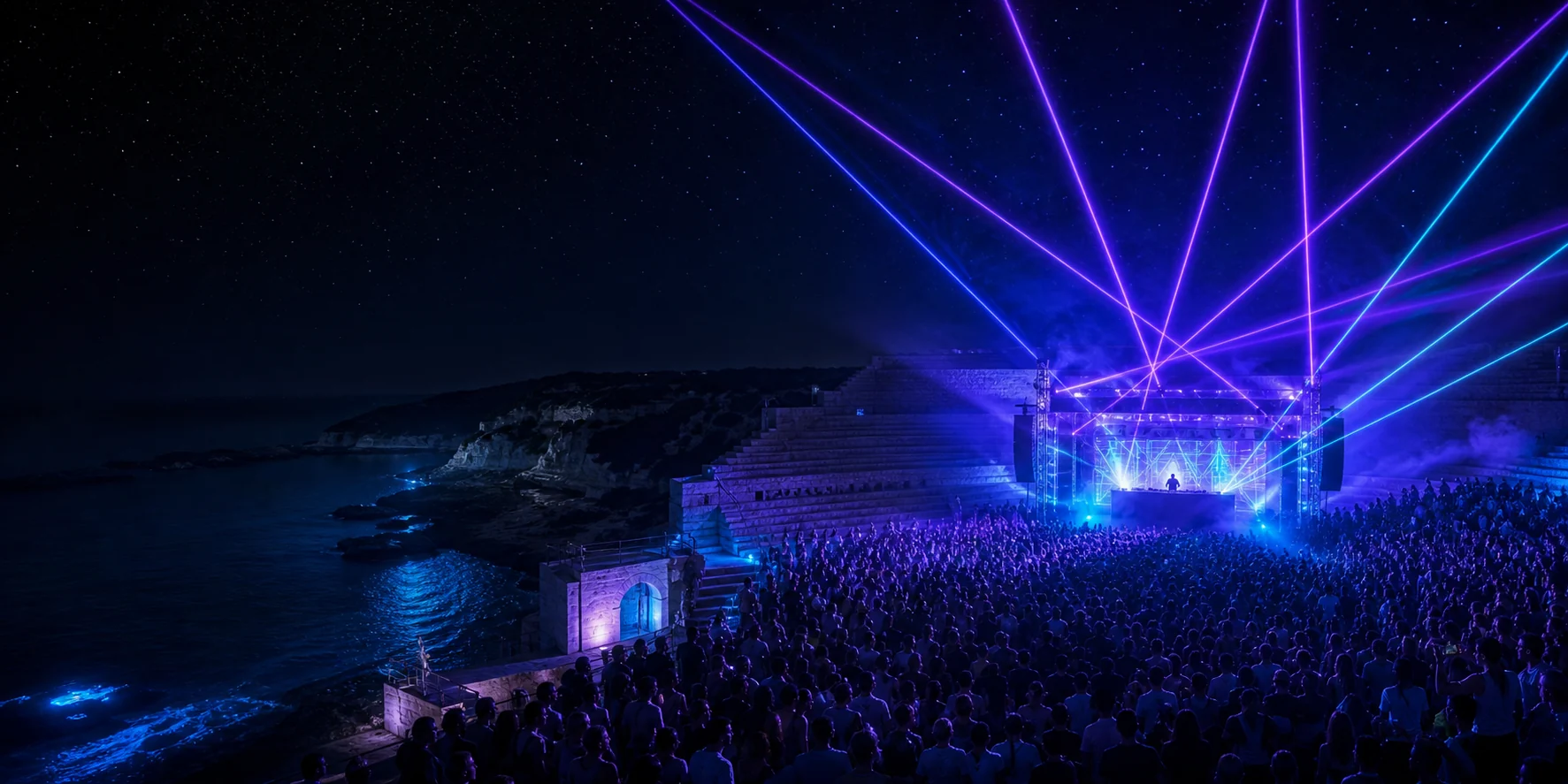
The guide images are generated editorial illustrations. They help explain the setting but never replace real venue or event information.
Reviewed on 2 October 2026
Sources for this guide
These links support the local context or the specific booking and operational steps in this guide. A calendar or venue profile does not confirm admission, price or hours for a particular event; check its current organizer listing.
Send us the page and the detail that should be checked. We review corrections instead of silently changing factual claims.
Send a correction